Command wing bar
With the command wing bar you control the faders 1 to 6 and the buttons 101 to 106.
MA onPC command wing and external screen
Section titled “MA onPC command wing and external screen”If you use a MA onPC command wing along with an external screen, open the command wing bar window.
- Tap in the user defined area, select tab Other and then Command Wing Bar.
The command wing bar window is open.
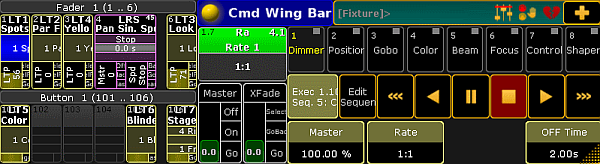
Command wing bar window
Command wing grandMA2 onPC
Section titled “Command wing grandMA2 onPC”If you use a grandMA2 onPC along with a MA onPC command wing, turn the command wing bar on.
To turn the command wing bar on screen 2 on:
-
Click the yellow ball
 in the upper left corner of the window one in the grandMA2 on PC.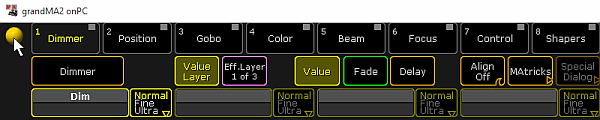
grandMA2 onPC options
-
Click Options…
-
Click at tab View and select under CmdWing Bar On.
The command wing bar is visible at the bottom of screen 2, left beside the encoder bar, in the grandMA2 onPC.
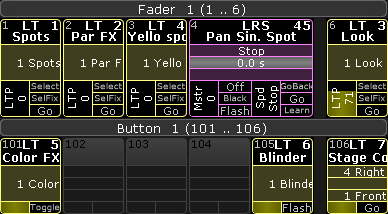
Command wing bar grandMA2 onPC