List
The key List is located in the command area on the left of the key Store.
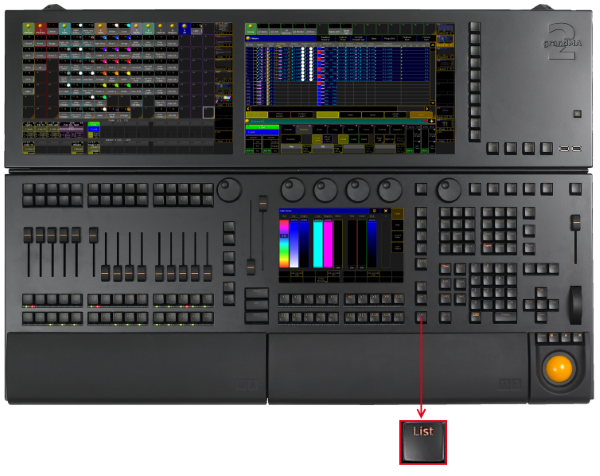
_Location k__ey __List _
-
Pressing List displays the X-Key labels for the executor buttons 201-220 on the current button page.

Button page on screen 1
- Pressing and holding
 + List enters the List keyword into the command line.
[Channel]> List
Open Temporary Pools
Section titled “Open Temporary Pools”The following short cuts open the temporary pool on screen 2 respectively (except for grandMA2 onPC without MA onPC wing).
Temporary pools can be identified by the red background color between the objects.
-
Pressing and holding List + Channel opens the temporary channel page pool.
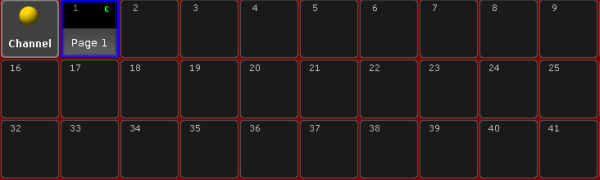
Temporary Channel Pool
[time] : Macro: Menu ChannelPage
-
Pressing and holding List + Group opens the temporary group pool.
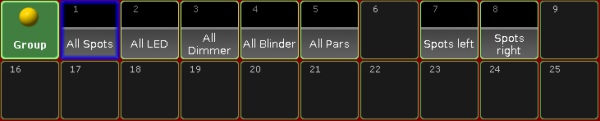
Temporary Group Pool
[time] : Macro: Menu Group
-
Pressing and holding List + Sequence opens the temporary sequence pool.
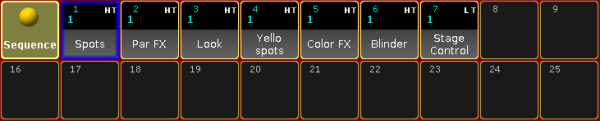
Temporary Sequence Pool
[time] : Macro: Menu Sequence
-
Pressing and holding List + Page opens the temporary executor page pool.
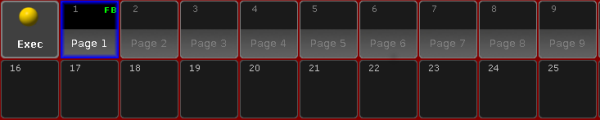
Temporary Executor Page Pool
[time] : Macro: Menu Page
-
Pressing and holding List + Macro opens the temporary macro pool.
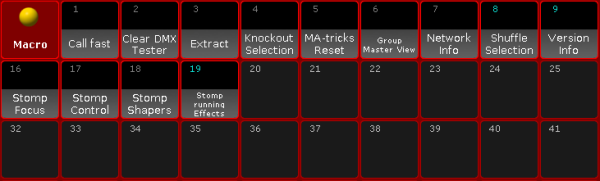
Temporary Macro Pool
[time] : Macro: Menu Macro
-
Pressing and holding List + Preset opens the temporary preset pool for the selected preset type in the preset control bar.
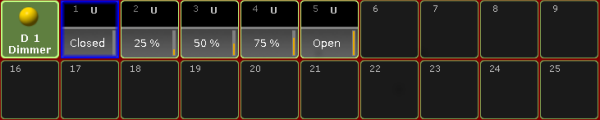
Temporary Dimmer Preset Pool
[time] : Macro: Menu Preset
-
Pressing and holding List + View opens the temporary view pool.
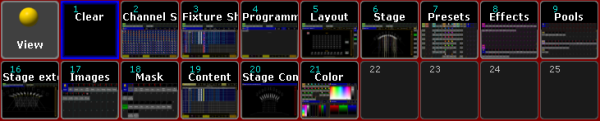
Temporary View Pool
[time] : Macro: Menu View
-
Pressing and holding List + Effect opens the temporary effect pool.
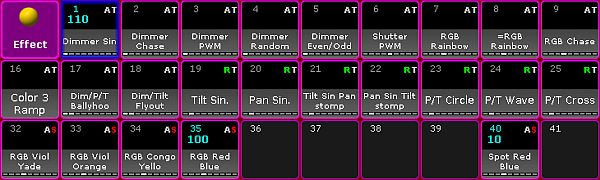
Temporary Effect Pool
[time] : Macro: Menu Effect