[Numeric]
The numeric keys 0 trough 9 are located in the command area of the console.
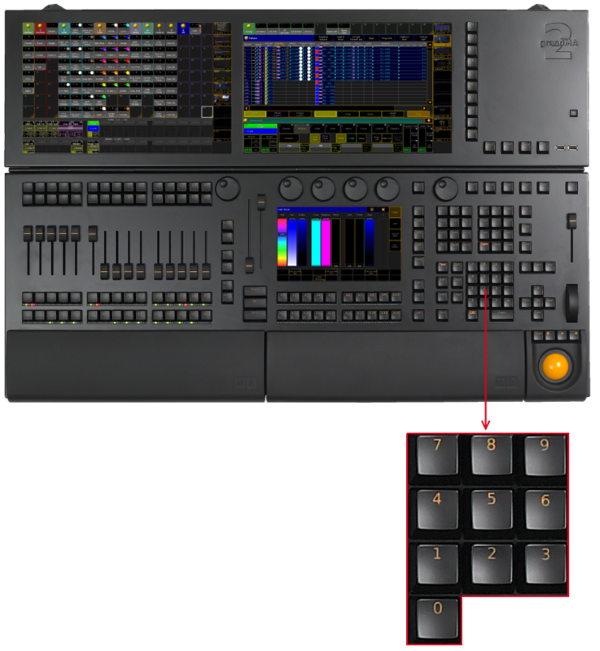
Location numeric keys
-
Pressing a numeric key enters the number in the line focused.
-
Pressing and holding
 + a numeric key, for example 2, selects the respective preset type for the number entered in the preset control bar.
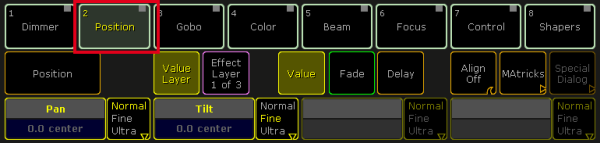
Select preset type in the preset control bar
[time] : Executing: PresetType “POSITION”
-
Pressing
+ a numeric key several times changes the attributes in the encoder bar to the selected preset control bar.
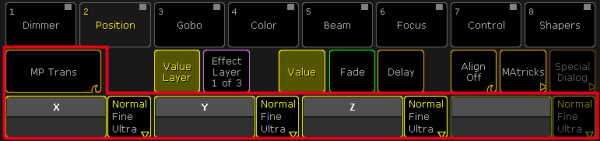
Select attribute in the encoder bar
[time] : Executing: Attribute “MP_TR_X”