Update effects
It is possible to update selective effects that have been modified.
To do so:
- Tap the effect to be updated once.
- The fixtures using this effect are now selected.
- Tap the same effect once again.
- The fixtures using this effect are now actively in the programmer.
- Modify the value of this effect.
- Then, press Update.
- The pop-up Update opens.
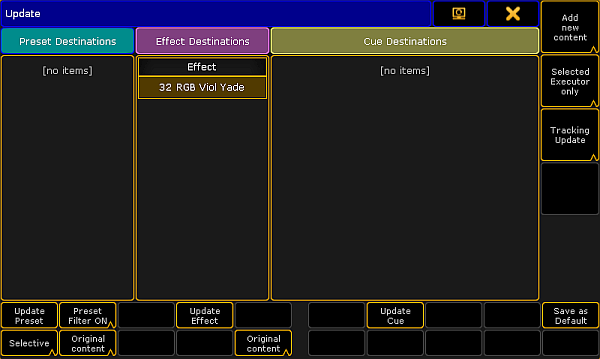
Update effect
- Tap Original content to toggle it to Add new content:
-To update the effect by the new values, tap Original content. Add new content is now displayed.
-If you would like to add additional data, on top of existing values, tap Add new content. Original content is now displayed. - Now, tap Update Effect.
- The effect is now updated.