Ch Pg +
The key Ch Pg + is located on the left of the 100 mm fader.
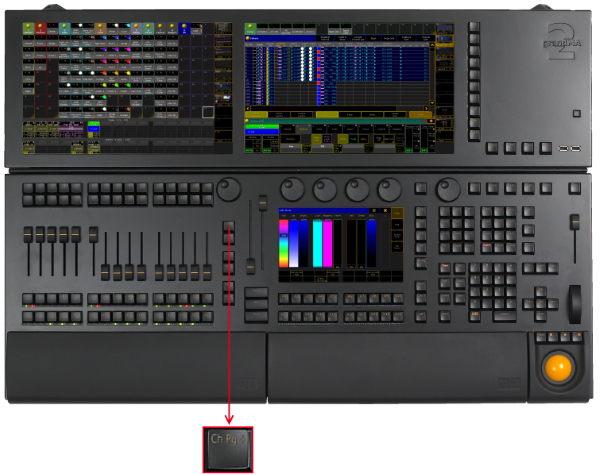
_Location k__ey __Ch Pg + _
- Pressing Ch Pg + executes the ChannelPage command. The channel pages are displayed on screen 3 and 4.

_Channel Page _
- By pressing Ch Pg + again, you will jump to the next channel page.
- If the option Link Faders in the fixture sheet is active, the key Ch Pg + jumps to the dynamic channel pages on screen 3 and 4.

Dynamic Channel Page