Mouse
The key Mouse is located in the left corner above the trackball.
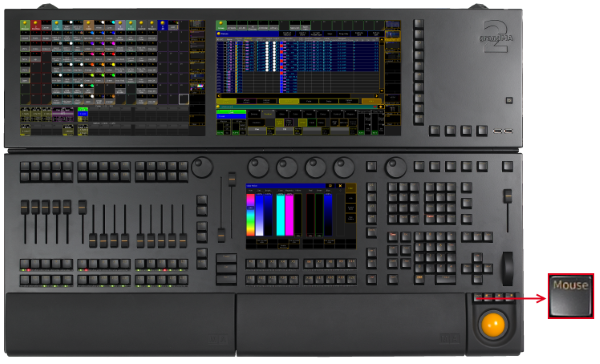
_Location k__ey __Mouse _
The key Mouse toggles between the selected trackball sequences. To select the trackball sequence see User Settings.
If the key Mouse is:
- On – the trackball controls the mouse function.
- Blinking – the trackball controls pan and tilt for the selected fixtures or channels.
- Off – the trackball has no function.
- Off and the middle key above the trackball is on – the trackball functions as a dimmer wheel.