Update grandMA3 Nodes
 | Important: |
| We recommend formatting with every update. Whenever formatting, the IP address will be reset back to the default (DHCP). |
| Important: |
| - The folders EFI, ma, and the update.scr file have to be directly accessible on the flash drive and must not be located in an extra folder. - The USB flash drive’s data system has to be FAT32. - Use a USB flash drive with USB, USB 2.0, or USB 3.0 standard. |
Requirement:
- To update a grandMA3 device, download the latest software version from www.malighting.com.
The required installer is called grandMA3 Software x.x.x.x. - Extract the zip file “grandMA3_stick_v.x.x.x.x.zip” and copy the folders EFI, ma, and the update.scr file into the root directory of your USB flash drive.
- Insert the USB flash drive in the device’s USB port.
- Turn off the grandMA3 device.
- Turn on the grandMA3 device.
- Follow the onscreen instructions during the update process.

Update notification
- Press the rotary knob.

Corrupted installer package
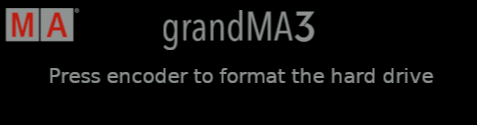
Format the hard drive

grandMA3 xPort Node is updating
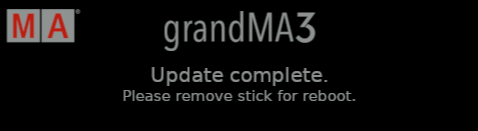
Update completed