macOS® Installation
To install grandMA3 onPC on macOS®:
- Download the installation file from https://www.malighting.com/downloads/.
- On the left side of the web page, select the grandMA3 series.
- Click on Software + Release Notes.
- Click grandMA3 onPC Software for macOS, x.x.x.x to download the installer.
- The EULA and Third-Party Acknowledgments pop-up opens:
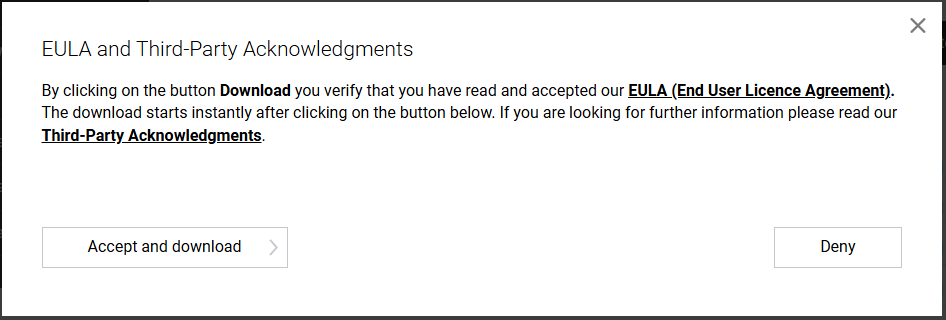
- Click Accept and download.
- Navigate to your Downloads folder and double-click on grandMA3_onPC_mac_vx.x.x.x.zip. The package is unzipped, creating an “ma” folder.
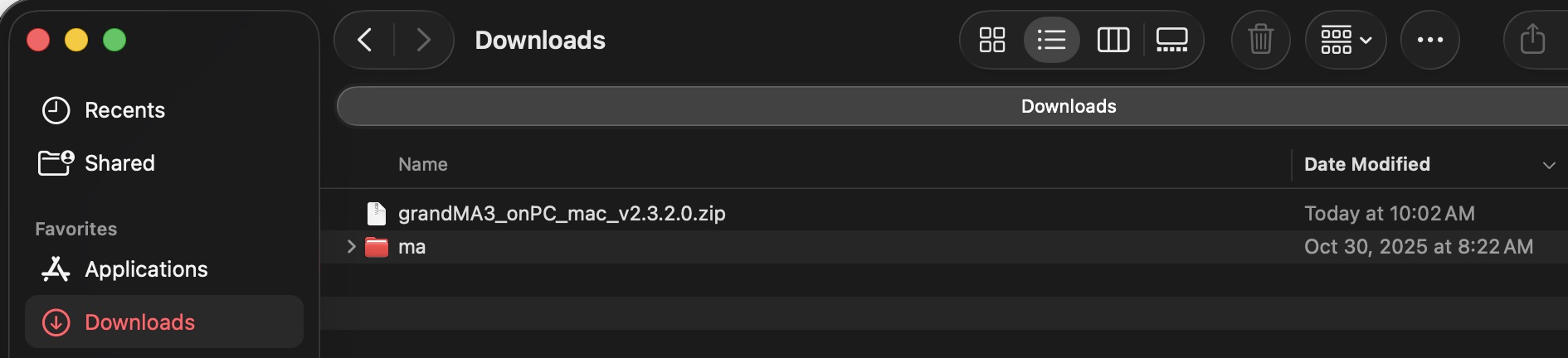
- Expand the “ma” folder and double-click the installation program grandMA3_onPC_x.x.x.x.pkg. The Installer opens:
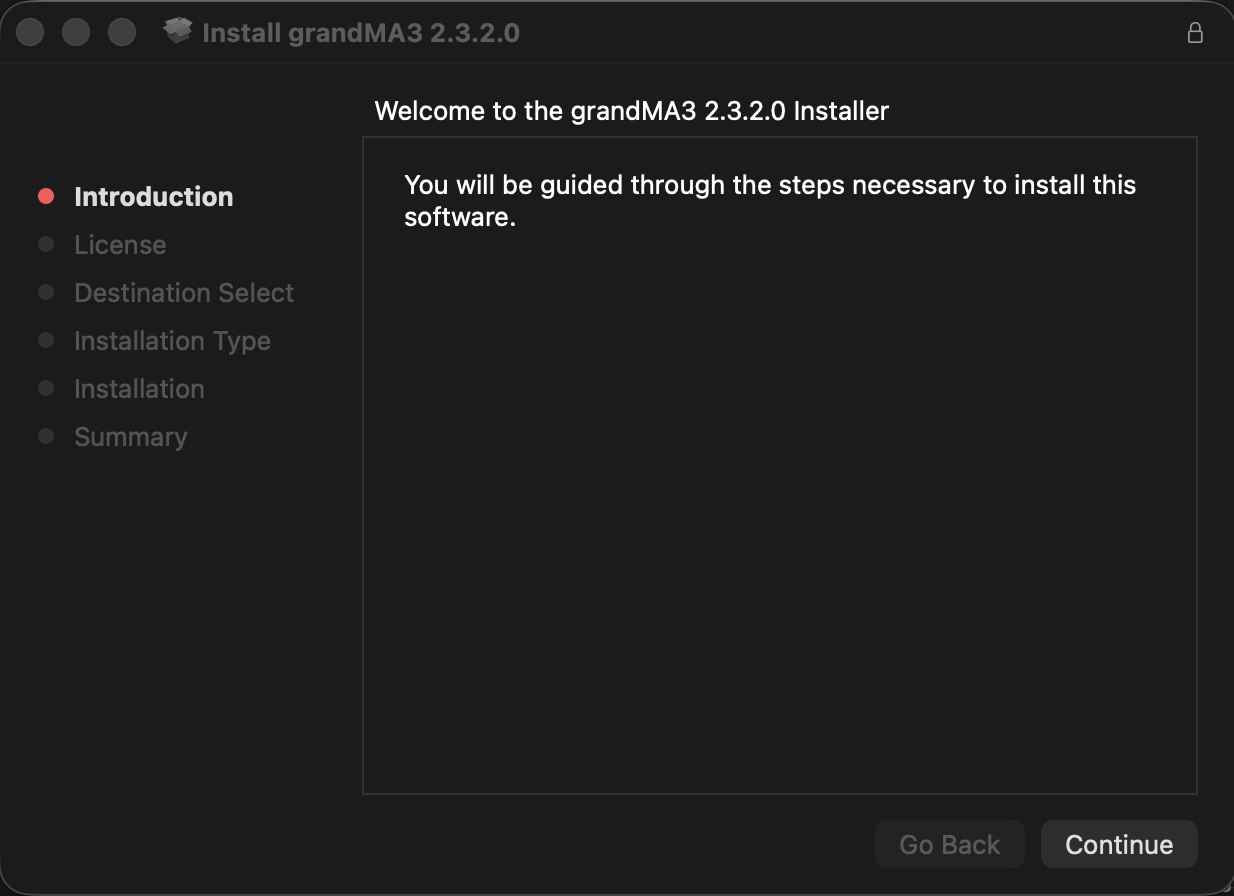
- Click Continue. The software license agreement opens:
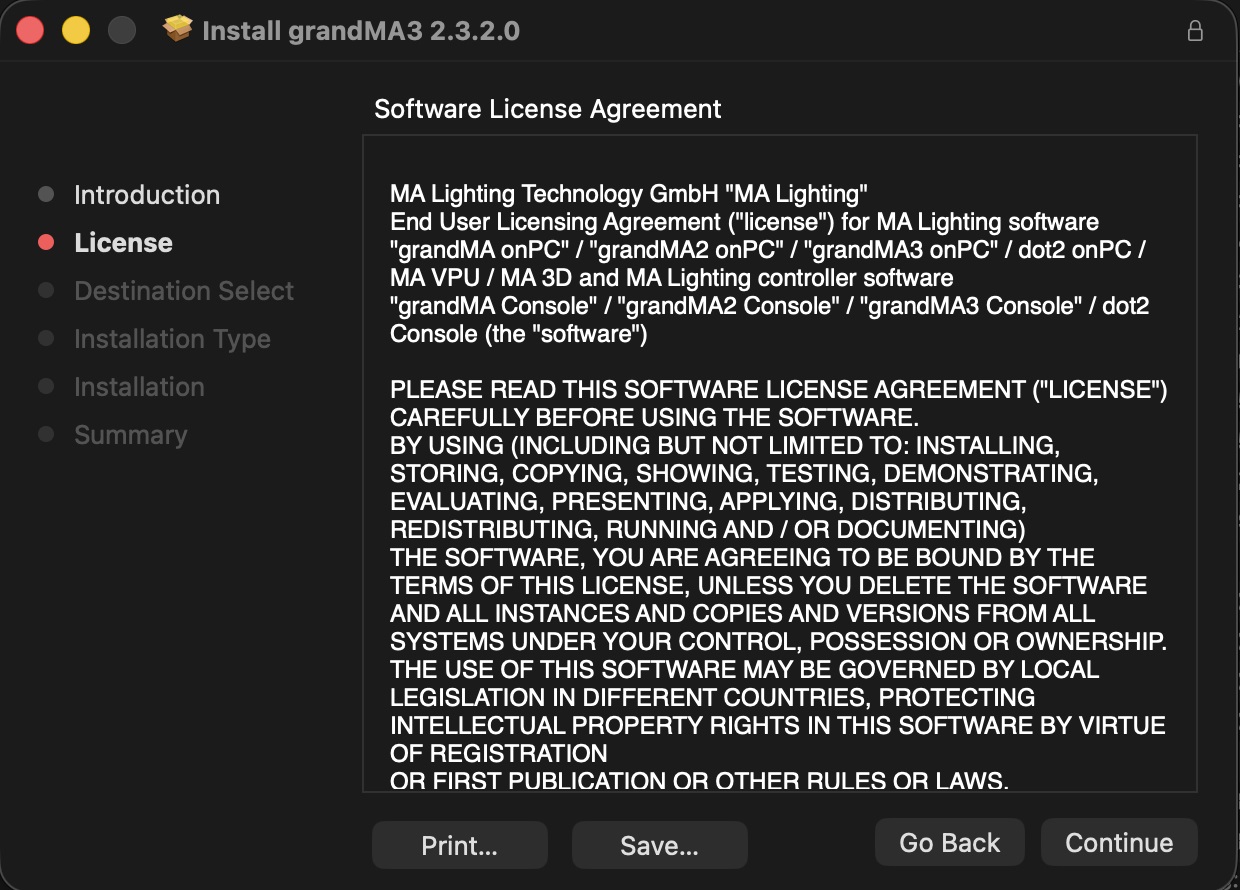
- Click Continue:
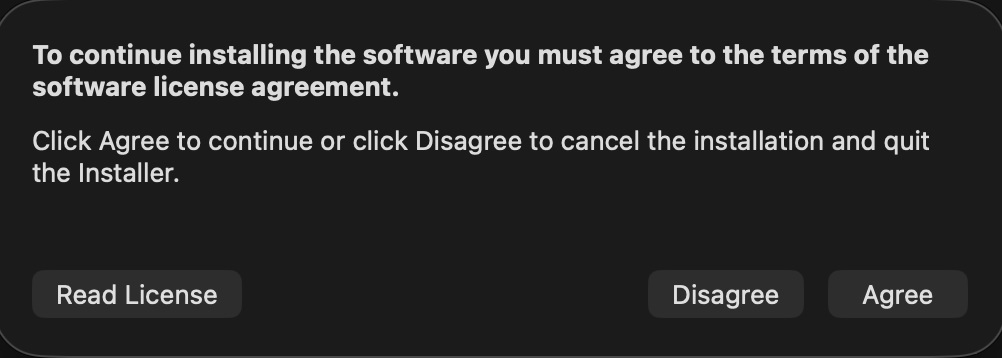
- Click Agree, and the installation utility opens:
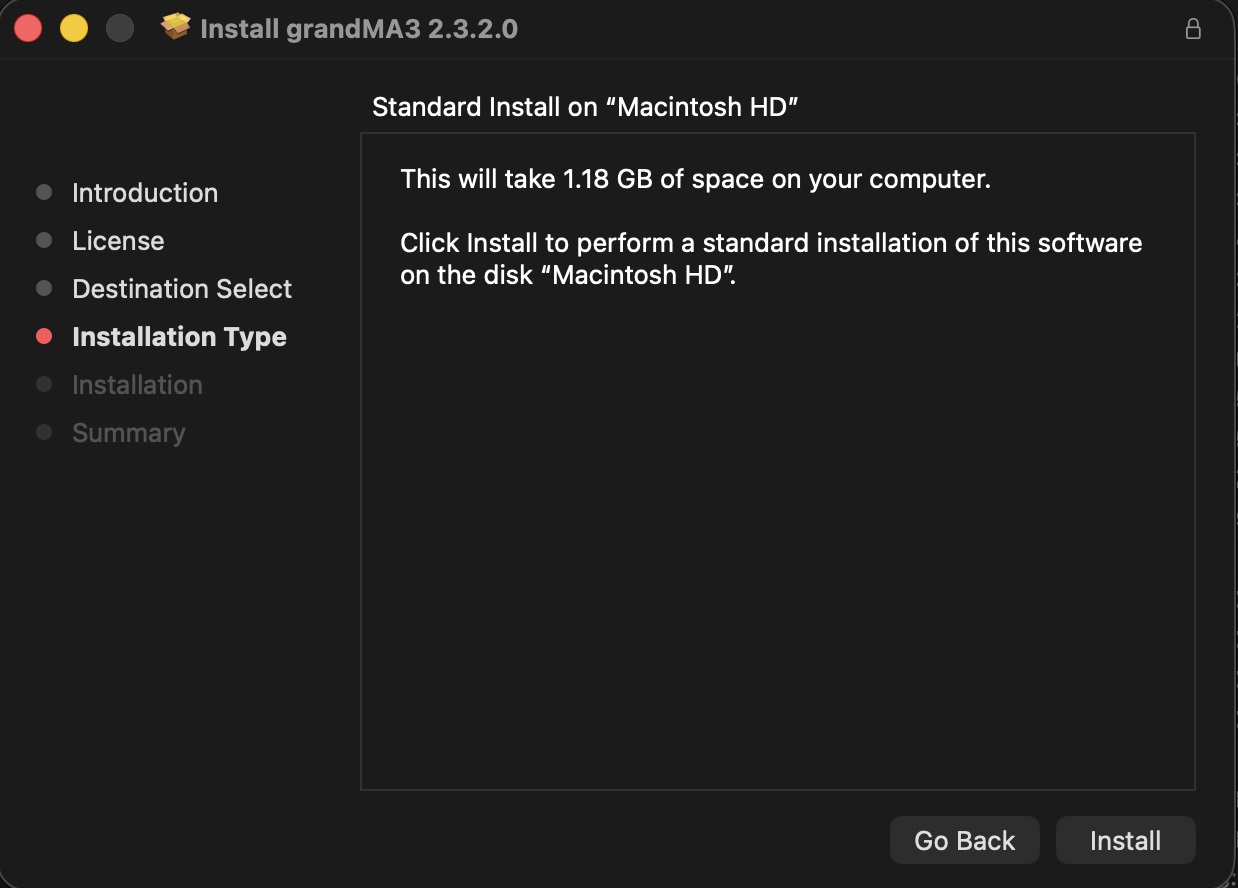
- Click Install to finally start the installation.
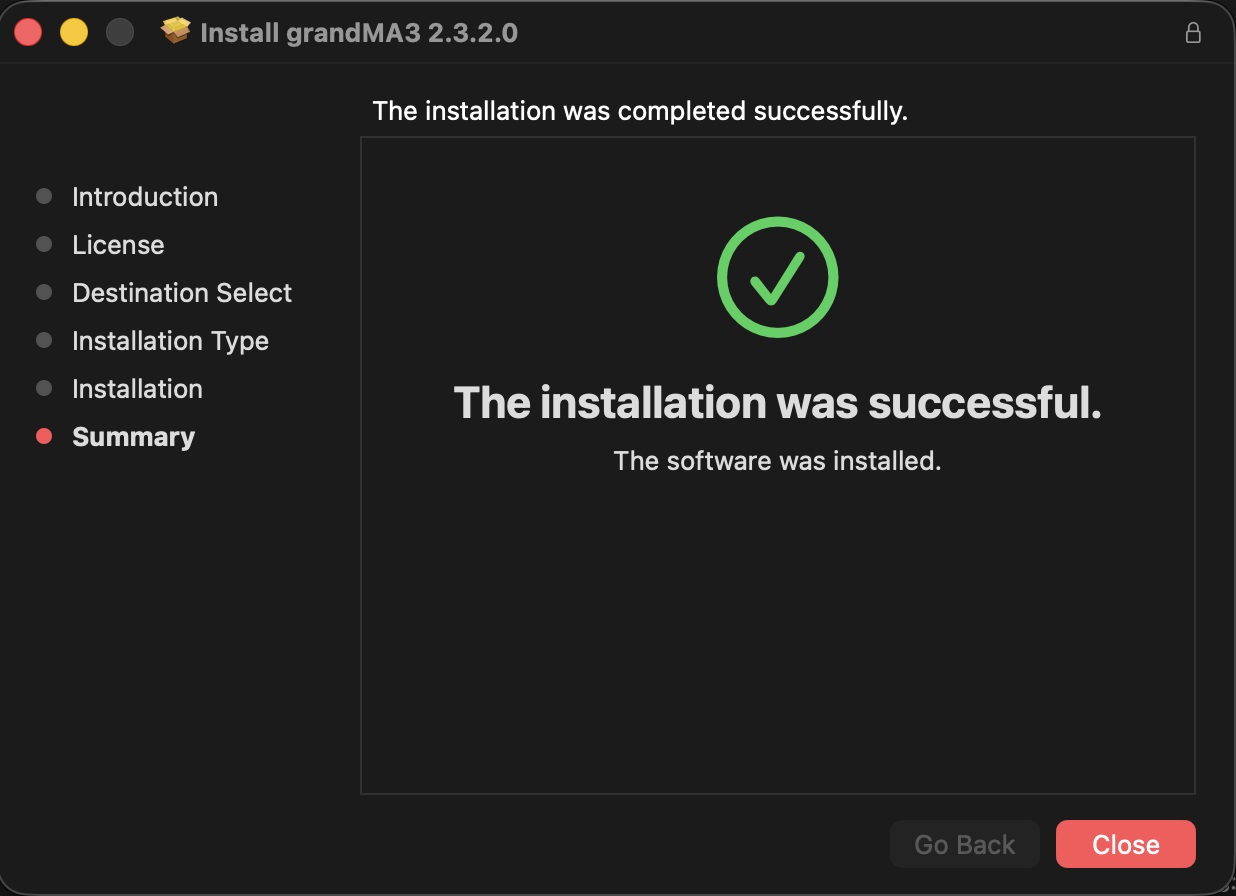
- Click Close.
The software is installed in the standard Applications directory. The resources are located in /Users/<Username>/MA Lighting Technology.
Install Location options
Section titled “Install Location options”When two or more hard drives or USB drives are detected, the installer offers to change the installation location:
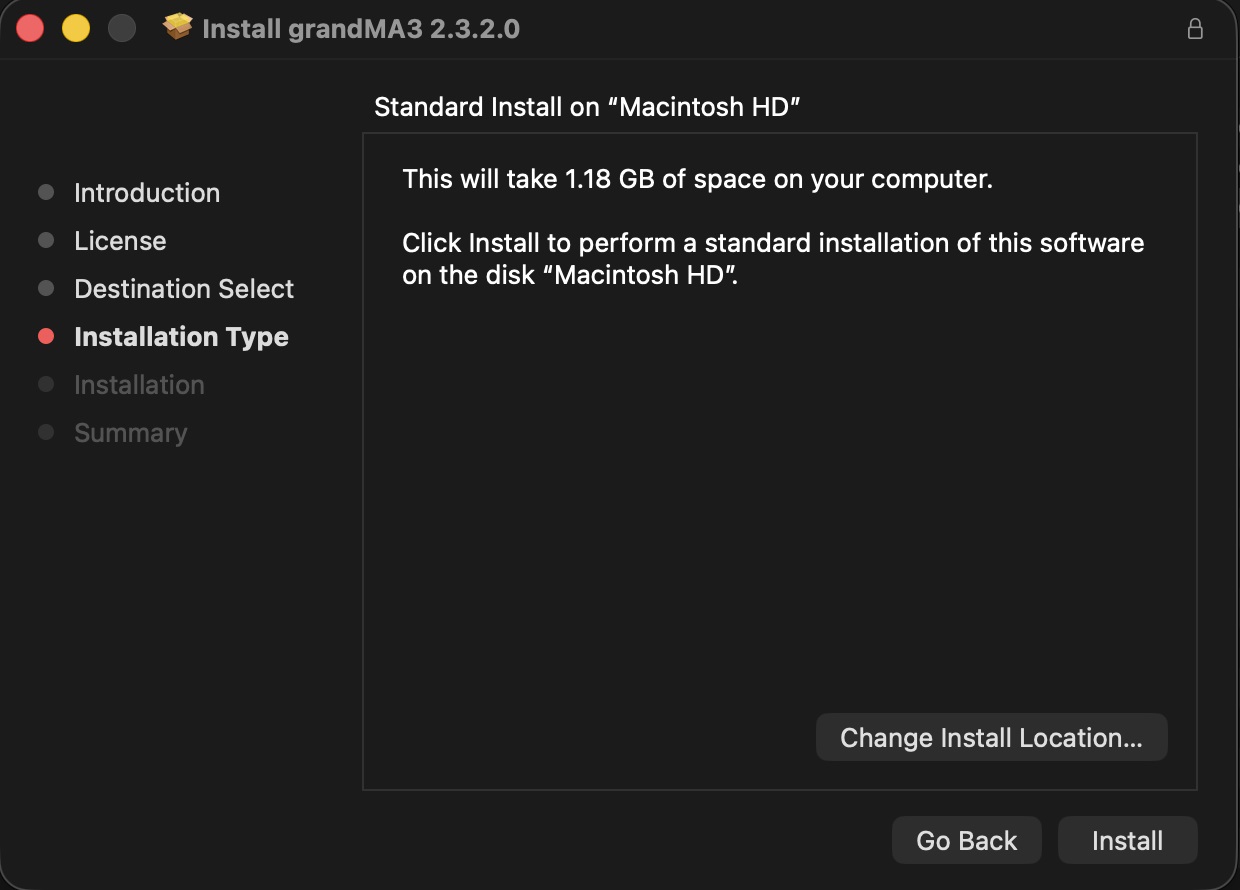
- Click Change Install Location, then select a location:
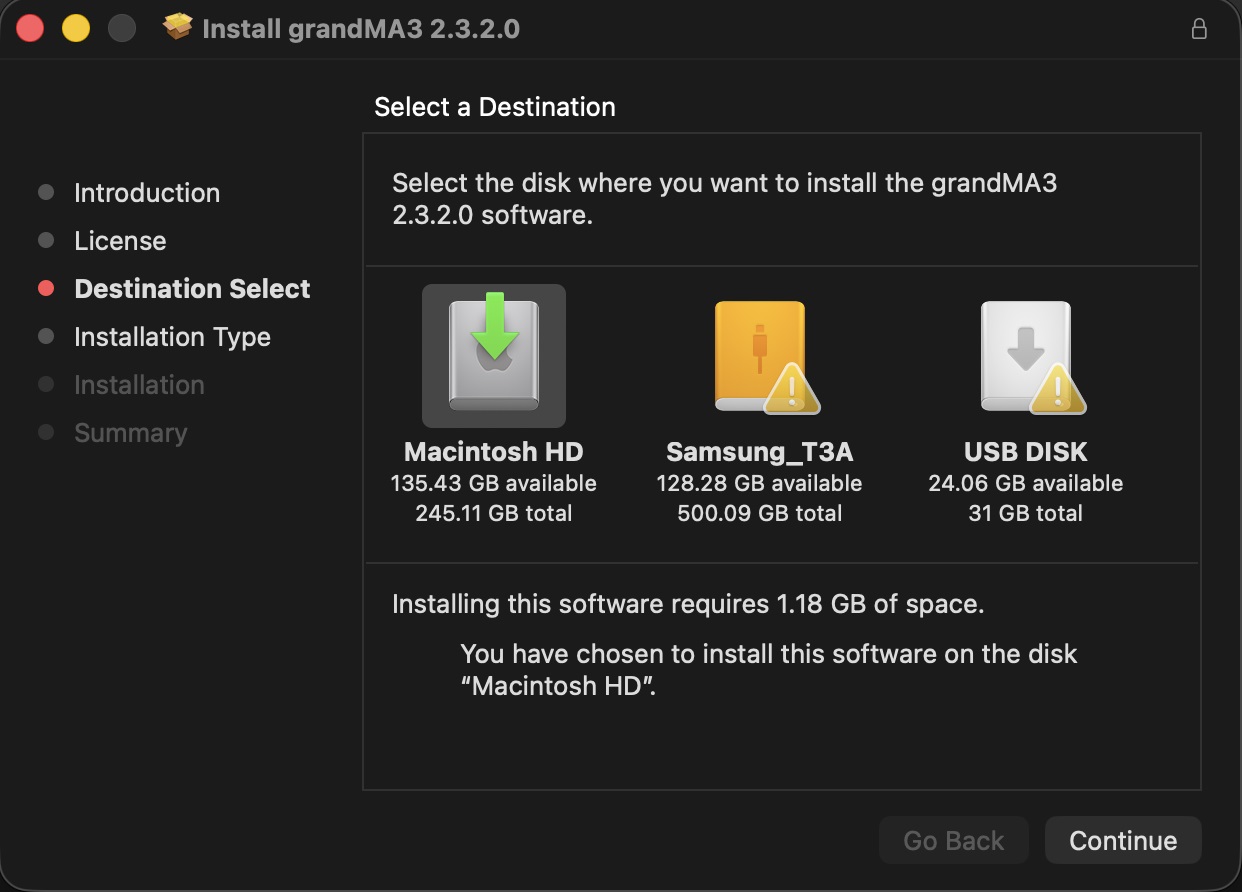
- Click Continue, and resume by following steps 11 and 12 above.