Align
Pressing Align toggles between 6 different Align modes.
By default, the Align mode is disabled.
Pressing MA + Align toggles between four different transition modes.
By default, the transition mode is linear.
The Align mode is displayed in the default encoder bar.
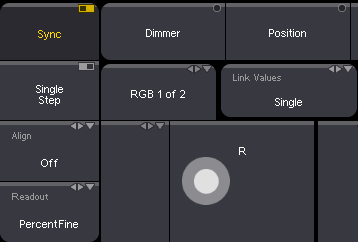
Default encoder bar
The align mode will be disabled when changing the value of a different attribute and the transition mode becomes linear.
Pressing and holding Align resets the align mode.
Pressing and holding MA + Align resets the transition mode.
For more information see Align.
Location
Section titled “Location”Align is located in the command section.
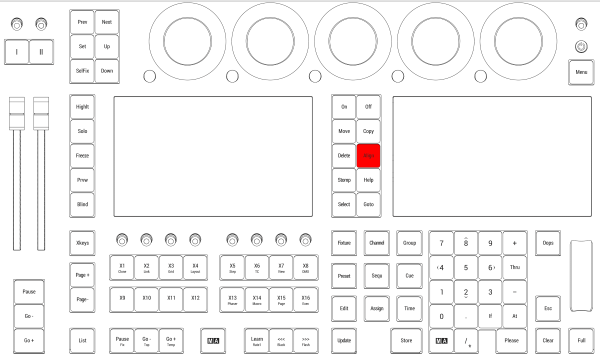
Location on grandMA3 full-size and grandMA3 light consoles
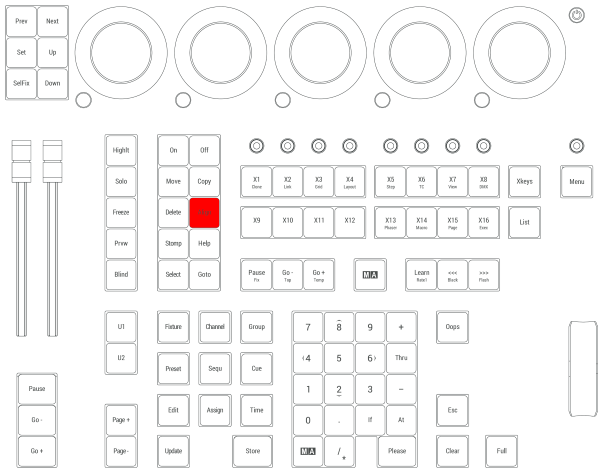
Location on grandMA3 compact consoles and grandMA3 onPC command wing