Delete Update Files
To free up space on the hard drive, we recommend deleting unused update files.
To delete update files from the hard drive:
- To access the software update window, tap
 .
. - Tap Settings.
The settings drop-down menu opens.
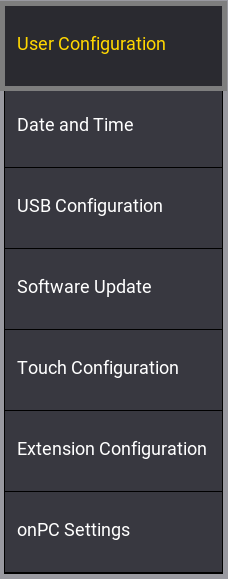
Settings drop-down
- Tap Software Update.
The Software Update window opens.
- Tap Delete Update Files.
The Select Update pop-up opens.
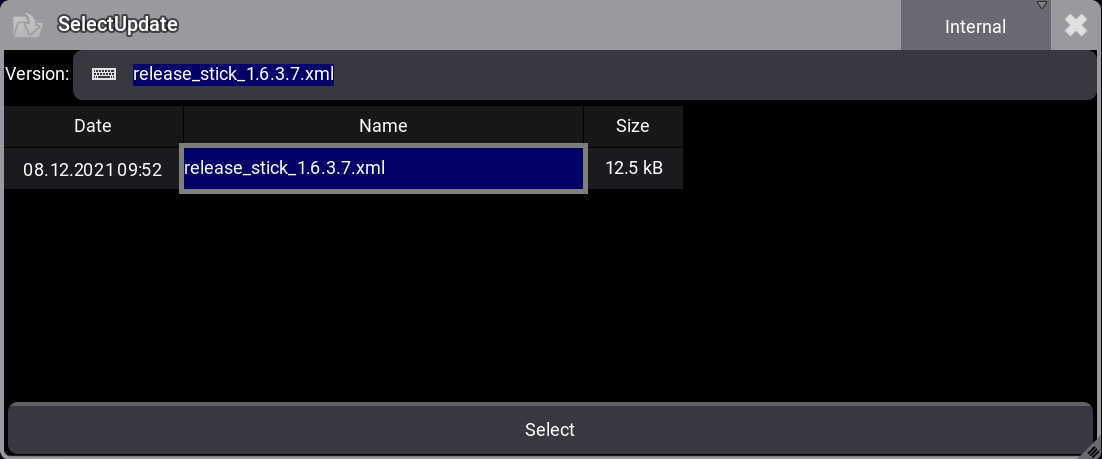
Select update pop-up
- Select the update file to be deleted.
- Tap Select.
The Delete packets pop-up opens.
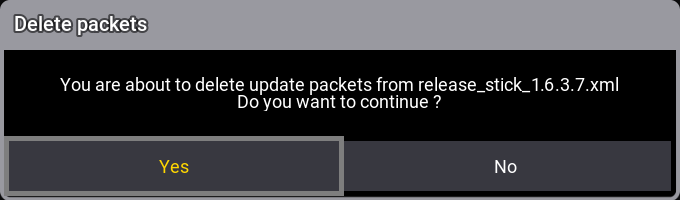
Delete packets pop-up
- Tap Yes.
The selected update file is deleted from the hard drive.