Save Show As...
The Save Show As… Window is located in the Backup, tap Save Show as… .
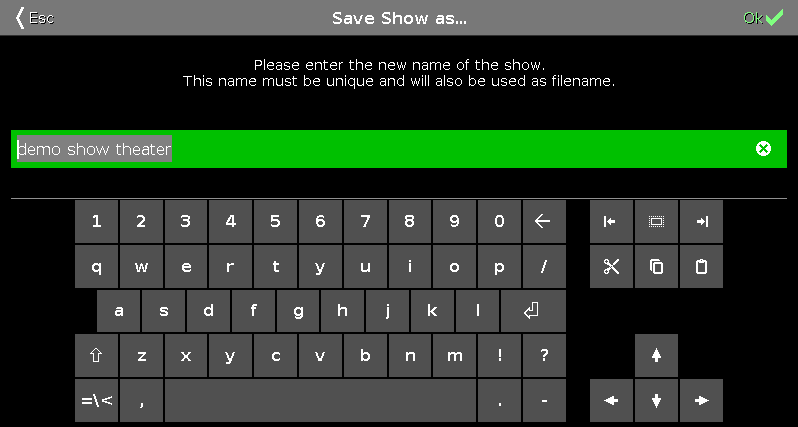
In this view, you save a copy of the current show file.
In the green edit line is the current show filename displayed.
To edit the filename, enter the filename with the virtual keyboard.
To save a copy of the current show file with a new filename, tap  in the title bar. The show file is saved and the Backup menu is closed.
To leave the Save Show As… Window, tap  in the title bar. You are back in the Backup.
Encoder Bar Functions
Section titled “Encoder Bar Functions”
Cursor:
To move the cursor to the left or right, turn the encoder left or right.
To create a new show file with the name in the green edit line, press the encoder.