SyncEffects
This page describes the syntax and how to use the**** SyncEffects command.
Important:
If you type the SyncEffects command in the console, by press and hold  + Effect (=SyncEffects), the command will be directly executed.
You can also use the command line along with the virtual keyboard and type the word SyncEffects in.
To go to the SyncEffects command press and hold + Effect (=SyncEffects) on the console.
The command will be directly executed.
Description
Section titled “Description”With the SyncEffects command, you synchronize all running effects.
Hint:
You can also use the Sync button in the Effects View.
Syntax
Section titled “Syntax”To synchronize all running effects.
SyncEffects
Example
Section titled “Example”Let´s assume you have fixture 1-8 running with a dimmer PWM (=Pulse-width modulation) effect and fixture 11-18 also running with a dimmer PWM effect.
They are not synchronized and you want to have them synchronized.
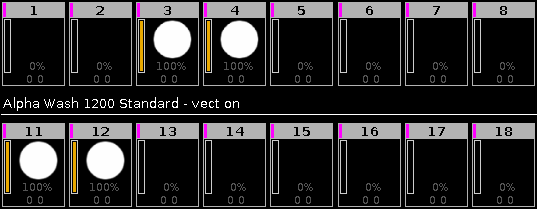
Figure 1: Before SyncEffects
Press and hold + Effect (=SyncEffects).
The SyncEffects command will be directly executed. All running effects are synchronized.
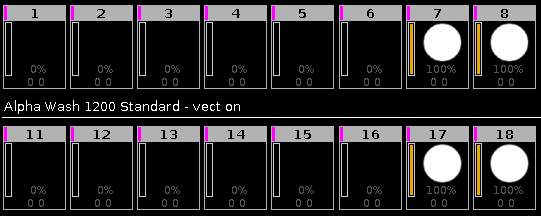
Figure 2: After SyncEffects