Select View
To go to the Select View Window, tap More… in the view bar.
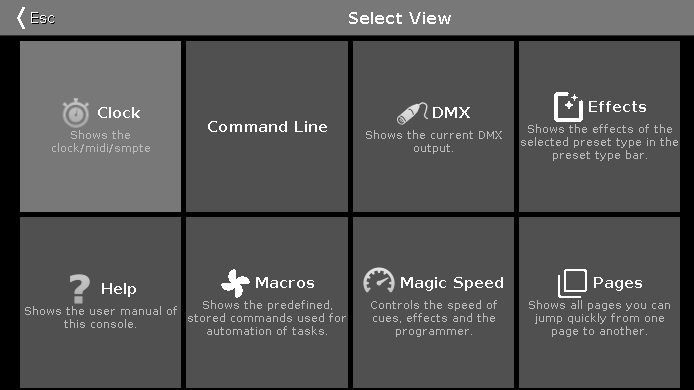
Figure 1: Select View
Select the view for the screen 2 or all further screens in this view.
The currently selected view is displayed in yellow.
The following views are available:
- Clock
- Command Line View
- DMX View
- Effects View
- Help View
- Macros Pool View
- Magic Speed View
- Pages Pool View
To leave the Select View Window, tap  in the title bar.