<<< [GoFastBack]
This page describes the syntax and how to use the <<< [GoFastBack] command.
Description
Section titled “Description”With the <<< [GoFastBack] command, you jump to the previous cue in the cue list without timing.
Let´s assume, you have a long cue list with timings and you will have a quick overview about your cue list without waiting for each cue timing.
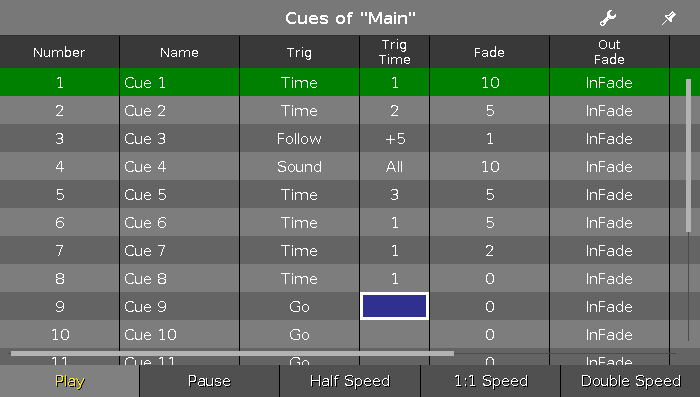
With the <<< [GoFastBack] command you can do this.
Syntax
Section titled “Syntax”<<<
The command <<< [GoFastBack] needs the following arguments:
- <<< [GoFastBack]
- Executor: Press the executor button on which the cue list is stored you like to jump in.
Example
Section titled “Example”To be faster, press and hold the <<< key and press the respective executor button several times.
- <<< Go - (Large)
Jumps to the previous cue in the main cue list without timing. - <<< Executor 1.1
Jumps to the previous cue in the executor 1.1 without timing.