Start the program
Start the MA Fixture Builder after installation.
To open the MA Fixture Builder, double-click on the desktop icon with the name MA Fixture Builder v.x.x.
A folder called MA Fixture Builder v.x.x. is located in the start menu (Start - All Programs - MA Fixture Builder v.x.x.).
Open and uninstall the MA Fixture Builder in this folder.
- To open the program, click on MA Fixture Builder v.x.x.
- To uninstall the program, click on MA Fixture Builder v.x.x remove.
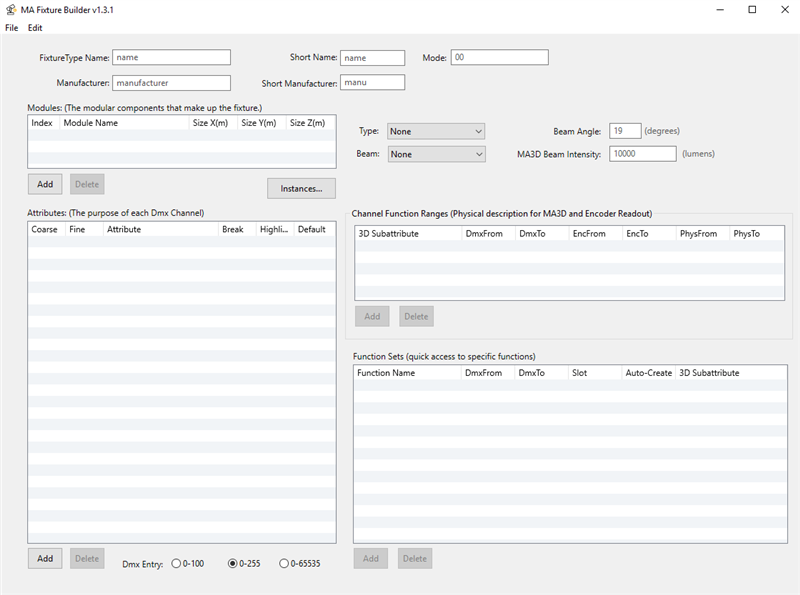
Start MA Fixture Builder