Delete DMX channels
It is possible to delete single DMX channels in the table Attributes.
Delete a single DMX channel
Section titled “Delete a single DMX channel”- Select the DMX channel in the table Attributes and click **Delete **below the table Attributes.
- A warning pop-up appears.
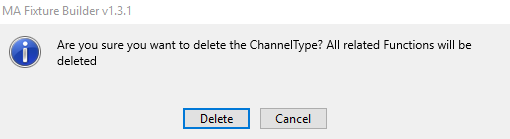
Warning pop-up
- To delete the DMX channel, click Delete.
To abort the operation, click Cancel.
The DMX channel is now deleted.
Important:
The DMX addresses Fine and Coarse may have to be adjusted for the following attributes in some cases.